







Create and automate WhatsApp surveys for instant customer feedback
Collect insights directly in WhatsApp and improve response rates with Infobip’s secure, automated WhatsApp survey system.
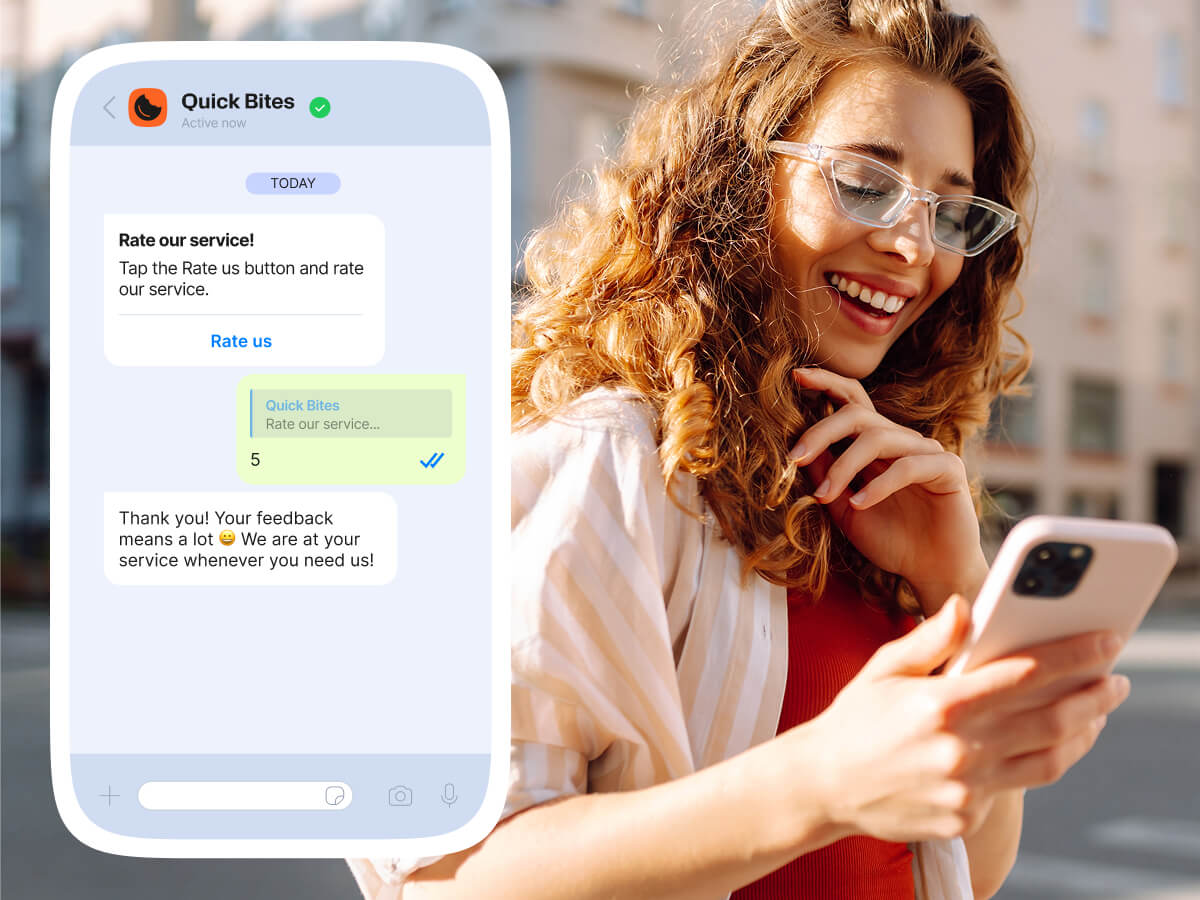
Collect actionable insights instantly on WhatsApp
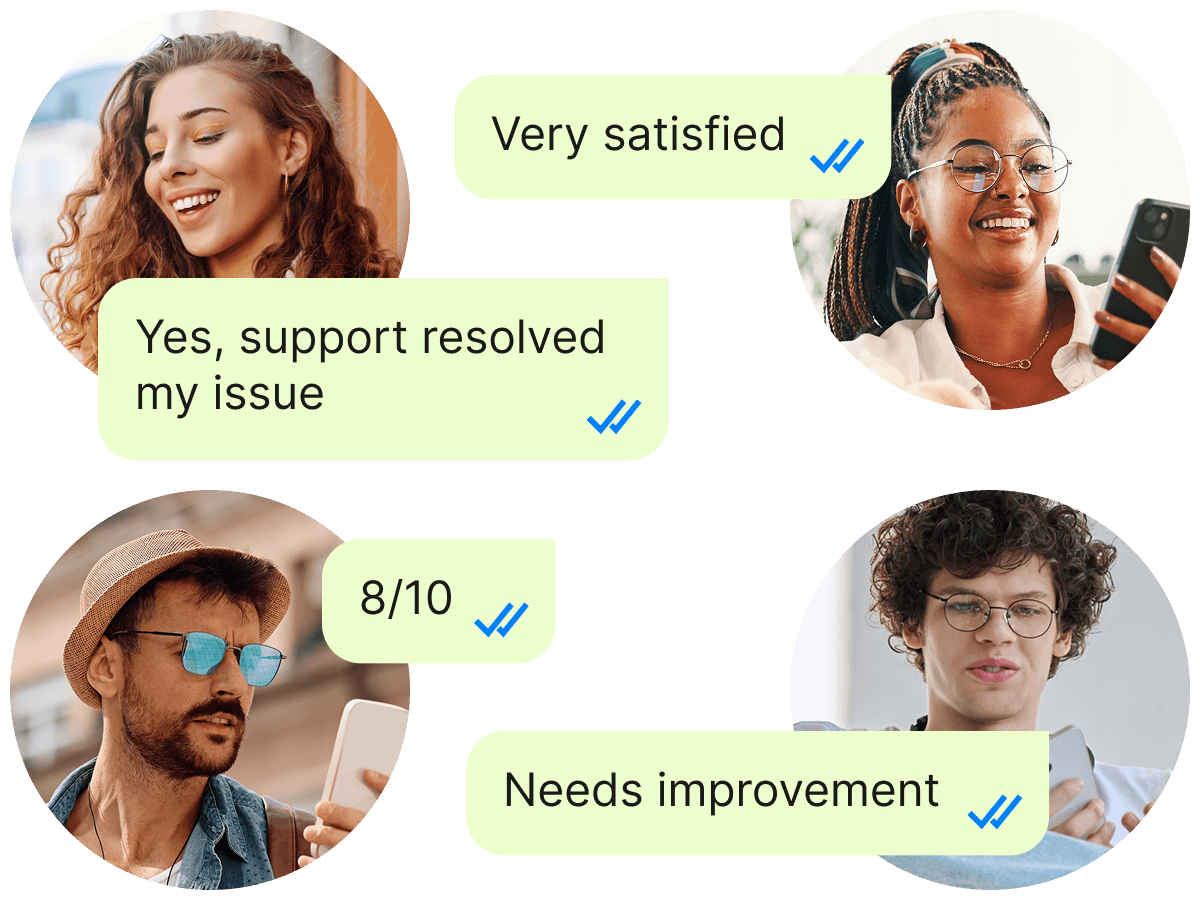
WhatsApp surveys allow you to collect feedback, ratings, or opinions directly within chat, without links or external forms. Customers answer short, conversational questions directly in chat, making the experience fast and effortless.
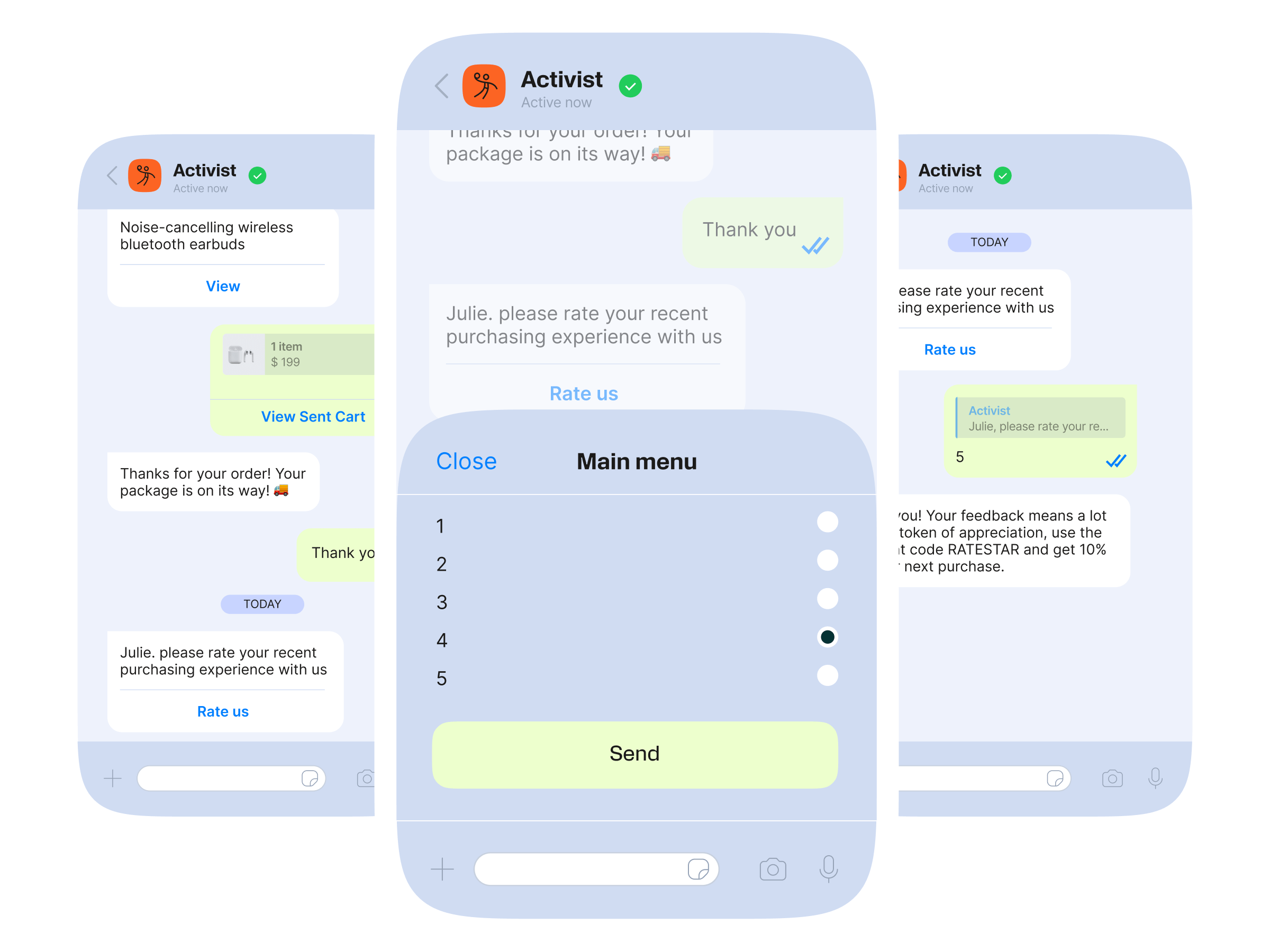
A simple flow for high-response WhatsApp surveys:
- You trigger a WhatsApp survey after a purchase, support interaction, or event.
- The customer replies to a simple multiple-choice question.
- Responses are collected instantly.
- All data is synced to your CRM or customer data systems to improve targeting and decision-making.
- Insights help you improve products, services, and customer experience.
Why traditional surveys fail and WhatsApp fixes it
Switching apps, long forms, and low relevance lead to low completion rates and unreliable data. WhatsApp surveys solve this by meeting customers where they already are.
| Common survey problems: | WhatsApp solves this with: |
|---|---|
| End up in spam or ignored | A familiar, trusted channel used daily |
| Require switching to another browser or app | One-question-at-a-time conversational experiences |
| Too long or repetitive | Quick replies, buttons, lists, and simple response formats |
| High drop-off rates | Fully automated survey flows |
| Poor-quality or incomplete feedback | Higher participation and completion rates |
How to create WhatsApp surveys
Turn WhatsApp chats into a high-engagement feedback channel.
1. Define your survey goal
CSAT, NPS, post-purchase feedback, product research, or service quality.
2. Build survey flows
Design conversational, one-question-at-a-time survey experiences using guided message flows or chatbots.
3. Add WhatsApp interactive elements
Buttons, lists, quick replies, open-text responses, or media.
4. Send surveys at the right moment
After a delivery, after ticket closure, or post-purchase.
5. Collect and analyze results
Store responses and measure customer data to identify patterns instantly.
Discover our best practices for a WhatsApp survey
Get the most out of your WhatsApp surveys.
Keep it conversational
Customers often abandon surveys when they feel too long or demanding. You can create flows that offer customers one question at a time, to present the survey as an interaction and not as a task they must complete.
Keep it short
Don’t overwhelm customers with long surveys, they’ll likely skip them, and you’ll miss out on valuable insights. Instead, send short, focused WhatsApp surveys tailored to each customer’s experience. This makes feedback easier to give and far more meaningful for your brand.
Use your data smartly
Pay attention to the data you’ve collected from other interactions with customers over WhatsApp – the time of day they open messages, how often they respond, and any other insights that can help you decide the perfect moment to send a survey and improve response rates.
Use WhatsApp’s features
WhatsApp offers a variety of message features that make surveys more engaging and convenient. Using reply buttons, list messages, and one-character responses, you can reduce the effort required to complete a survey while still collecting the feedback you need.
Sample WhatsApp survey questions and templates
Simple, conversational templates you can adapt to any industry.
Automate every part of your WhatsApp surveys
Infobip gives businesses an end-to-end system for smart, automated surveys. Use Flows to let customers respond and interact directly within WhatsApp.
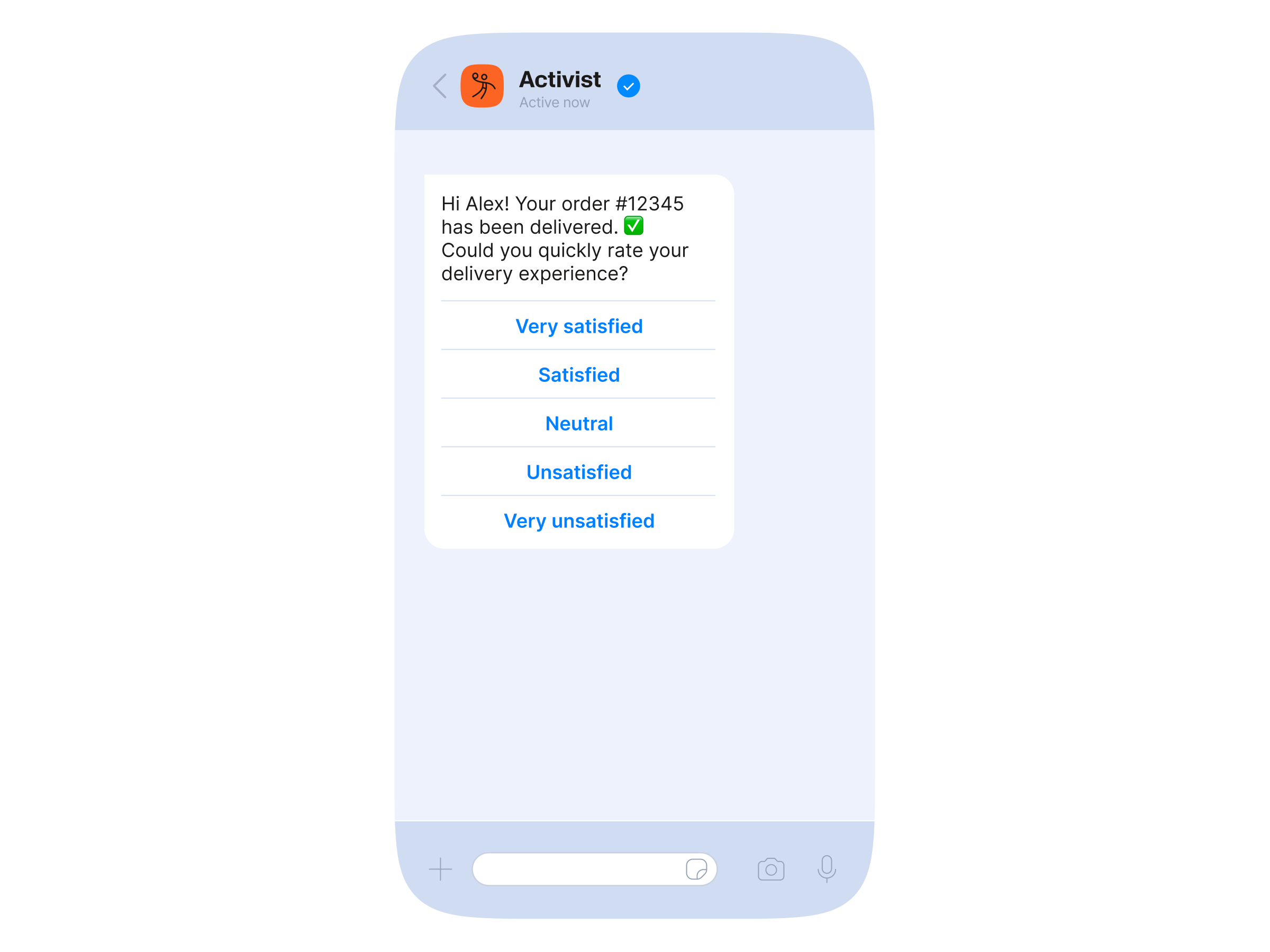
Timely feedback
Send behavior-triggered surveys at the right time; post-delivery or after a support interaction.
AI-driven surveys
Use AI chatbots to conduct surveys, ask follow-up questions, and collect structured answers.
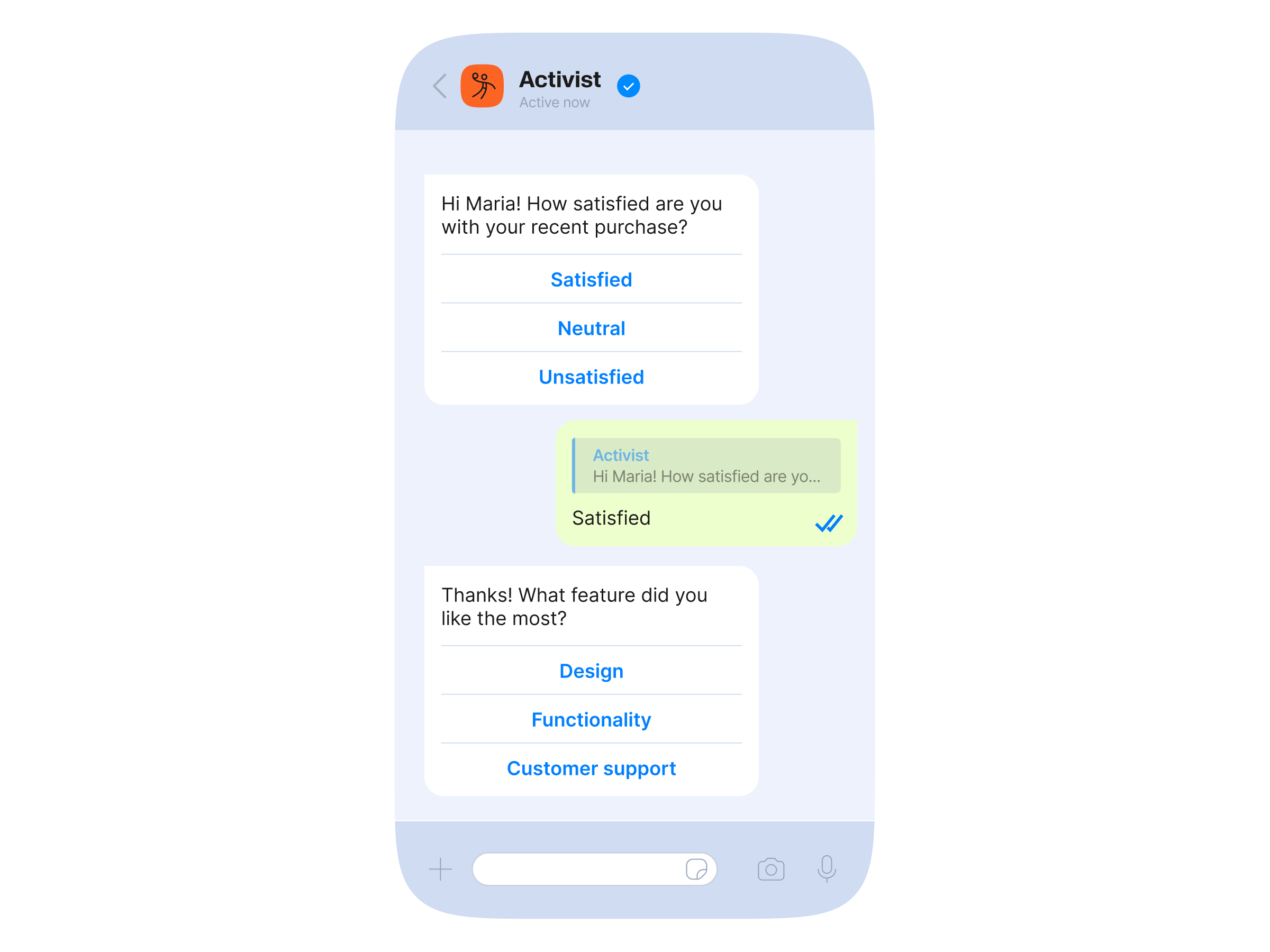
Unified customer data
Store all responses, build customer profiles, and segment audiences to improve future surveys.